
Website Design: Creating an Exceptional User Experience
Professional website design goes beyond mere visual appeal; it relies on a combination of visual identity, user experience, and technical performance. Learn about the principles of User Interface (UI) and User Experience (UX) design.

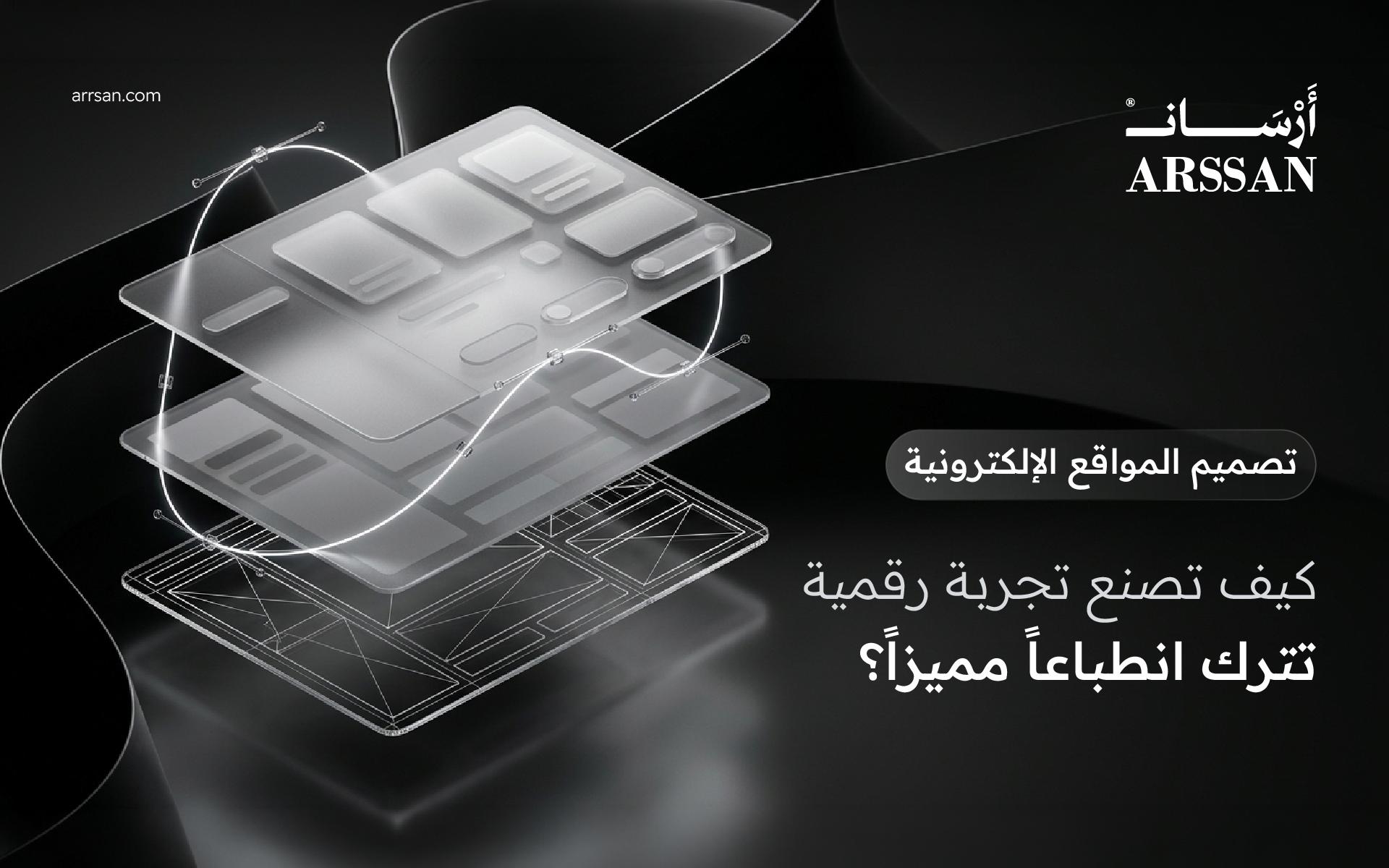
When someone visits your website for the first time, their experience begins long before they read your content or explore your services. The visual presentation, navigation, loading speed, and overall usability all influence how they perceive your business.
Professional website design is not simply about creating attractive pages. It is about combining visual identity, user experience, and technical functionality to build a digital environment that serves both visitors and business objectives.
A successful website should look professional, feel intuitive, and make it easy for users to accomplish what they came to do.
1. Understanding Modern Website Design
Website design is the process of planning and creating the visual structure and interactive experience of a website.
It involves several interconnected elements:
- Page layouts and content hierarchy.
- Typography and color systems.
- Navigation menus and interactive components.
- Images, illustrations, and visual assets.
- Responsive layouts for different screen sizes.
- Interaction patterns and user flows.
The objective is to create a consistent and accessible experience that communicates information clearly and guides visitors through the website.
Effective design starts with understanding the audience, the brand, and the purpose of each page.
2. UI vs. UX: Understanding the Difference
Two essential concepts in modern digital design are User Interface (UI) and User Experience (UX).
Although closely related, they address different aspects of how people interact with a website.
User Interface (UI) Design
UI design focuses on the visual and interactive elements users encounter.
These include:
- Buttons and input fields.
- Navigation menus.
- Typography and colors.
- Icons and visual components.
- Spacing, alignment, and layouts.
The goal of UI design is to create an interface that is visually consistent, understandable, and easy to interact with.
User Experience (UX) Design
UX design focuses on the complete experience a person has while using a website.
It considers:
- How easily visitors find information.
- How clearly tasks and processes are presented.
- How efficiently users navigate between pages.
- Whether the interface meets user expectations.
- How accessible and understandable the experience is.
In simple terms, UI focuses on how an interface looks and behaves, while UX considers how the entire experience works for the user.
A visually attractive website can still provide a poor experience if its navigation is confusing or its functionality is difficult to understand.
That is why effective website design requires both disciplines to work together.
3. Brand Identity and Visual Consistency
Your website should reflect the personality and positioning of your brand.
A consistent visual identity makes your business more recognizable and creates a unified experience across different digital channels.
Important visual identity elements include:
Color Palette: Colors should align with your brand personality while maintaining sufficient contrast and readability.
Typography: Font choices should support clear communication and create a consistent visual hierarchy.
Imagery: Photography, illustrations, and graphics should reinforce your message rather than distract from it.
Spacing and Layout: Proper use of whitespace improves readability and creates visual balance.
Design Components: Buttons, cards, navigation elements, and other interface components should follow consistent design rules.
The objective is not to fill every available space with visual elements. It is to create a deliberate design system in which every component serves a purpose.
4. Responsive Web Design Across All Devices
A modern website must provide a consistent experience across desktops, tablets, and smartphones.
Responsive Web Design is an approach that allows website layouts to adapt to different screen sizes and viewing environments.
A responsive website should:
- Adjust layouts based on screen dimensions.
- Maintain readable typography.
- Display images at appropriate sizes.
- Provide accessible navigation on smaller screens.
- Ensure interactive elements are easy to use.
- Avoid unnecessary horizontal scrolling.
For example, a multi-column desktop layout may become a single-column layout on mobile devices.
A simple CSS implementation could look like this:
/* Desktop layout */ .services-grid { display: grid; grid-template-columns: repeat(3, 1fr); gap: 24px; } /* Tablet and mobile layout */ @media (max-width: 768px) { .services-grid { grid-template-columns: repeat(2, 1fr); } } @media (max-width: 480px) { .services-grid { grid-template-columns: 1fr; } }
Responsive behavior should be tested across different screen sizes and browsers to ensure that the experience remains consistent.
5. Website Performance and Loading Speed
A website may have an excellent visual design, but slow loading and unresponsive interactions can negatively affect the overall experience.
Performance optimization should therefore be considered an essential part of the design and development process.
Important optimization techniques include:
- Compressing images and using modern formats such as WebP and AVIF.
- Reducing unnecessary JavaScript and CSS.
- Optimizing font delivery.
- Implementing appropriate caching strategies.
- Loading non-critical resources when needed.
- Using a Content Delivery Network (CDN) where appropriate.
Google's Core Web Vitals provide useful measurements for evaluating important aspects of real-world user experience.
The three primary metrics are:
- LCP (Largest Contentful Paint): Measures loading performance. A good target is 2.5 seconds or less.
- INP (Interaction to Next Paint): Measures responsiveness. A good target is 200 milliseconds or less.
- CLS (Cumulative Layout Shift): Measures visual stability. A good target is 0.1 or less.
These metrics help identify performance issues that may not be immediately visible during visual design reviews.
6. Content Structure and Intuitive Navigation
Even the most visually impressive website can become ineffective when visitors cannot find the information they need.
A clear content structure helps users understand the website and move between pages naturally.
A typical business website may include:
- Home.
- About Us.
- Services.
- Individual Service Pages.
- Portfolio or Case Studies.
- Blog or Insights.
- Contact.
Navigation labels should be descriptive, page relationships should be logical, and important information should be easy to access.
Content hierarchy also matters. Clear headings, concise paragraphs, and meaningful visual separation make pages easier to scan and understand.
7. Designing for Business Objectives and Conversions
Website design should support measurable business objectives rather than focusing exclusively on visual appearance.
For example:
- A professional services website should make it easy to request a quotation.
- An e-commerce website should simplify product discovery and checkout.
- A consulting website should encourage visitors to schedule a consultation.
- A portfolio website should highlight relevant projects and expertise.
Each page should have a clear purpose and guide visitors toward an appropriate action.
This is where Calls to Action (CTAs) become important.
Examples include:
- Request a Quote.
- Book a Consultation.
- Explore Our Services.
- View Our Work.
- Contact Our Team.
Effective CTAs should be visible, relevant, and aligned with the visitor's stage in the decision-making process.
8. How to Choose the Right Website Design Agency
Choosing a website design partner is an important decision because the quality of the final product depends on more than visual execution.
Before selecting an agency or digital studio, consider:
- Portfolio Quality: Review previous projects and evaluate design consistency.
- Business Understanding: Ensure the team understands your industry and objectives.
- UX Capabilities: Look for evidence of thoughtful user flows and information architecture.
- Technical Expertise: Evaluate responsiveness, performance, and implementation quality.
- SEO Awareness: Confirm that technical SEO foundations are considered during development.
- Project Transparency: Understand deliverables, timelines, pricing, and responsibilities.
- Ongoing Support: Clarify maintenance, updates, and future development options.
The right partner should understand that your website is a business tool, not just a visual project.
Final Thoughts
Professional website design combines creativity, usability, accessibility, and technical performance.
The strongest digital experiences are built by understanding users, respecting brand identity, organizing information effectively, and ensuring that every design decision contributes to the overall purpose of the website.
At Arssan, we believe that exceptional digital experiences begin with thoughtful design and are completed through reliable technical execution.
We help businesses transform their ideas and brand identities into professional digital experiences designed around their goals.
Ready to create a better digital experience for your business?
Explore Arssan's website design and development services.
Specialized engineering team crafting calm UI/UX systems, high-speed web platforms, and headless workflows for ambitious brands in Kuwait and the GCC.